
Select Audio Interface
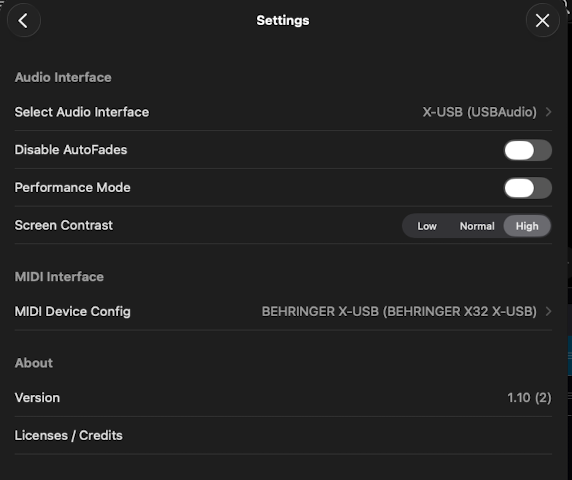
The Settings menu has a Select Audio Interface row that shows the audio output ShowPlayer is currently using. Tap it to switch to a different connected interface — a USB audio device, a Bluetooth speaker, an AirPlay receiver.
How it works
- On iPad and iPhone, ShowPlayer detects connected USB audio interfaces, Bluetooth speakers, and AirPlay receivers and lists them in the picker.
- On Mac, ShowPlayer reads the system audio devices and lets you pick from the same list.
- The current output is shown next to the row label. Tap to open the picker and switch.
Notes
- Test before tech. Plug in your interface, open the picker, and verify ShowPlayer sees it before the operator's first cue. A few seconds well spent.
- Stereo only. ShowPlayer currently outputs in stereo, even on multi-output interfaces. Multi-channel routing is not supported at this time.