
Playlist
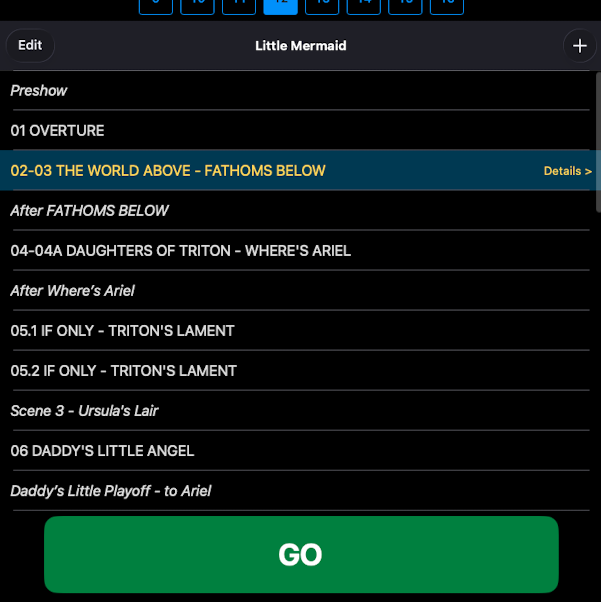
The Playlist is your show's running order — every scene and every song, in performance sequence. It's the home view when you open a show.
How it works
- Each row is one scene or one song.
- Tap a row to open that item — its event list, its waveform (for songs), its mic switchboard.
- Long-tap and drag to reorder.
- Swipe right on a row to delete it (no Undo).
The show plays from top to bottom. At the end of each song, the playlist advances to the next item and waits for GO to start playback. An Attacca cue overrides the wait — the next item auto-plays without operator input.
Notes
- Scenes vs songs at a glance. Songs show their duration; scenes don't.
- Reordering during tech. Reordering is common during tech week as the run order settles. ShowPlayer adjusts immediately — your cue events stay with their scene or song.